
Category: Safety
-
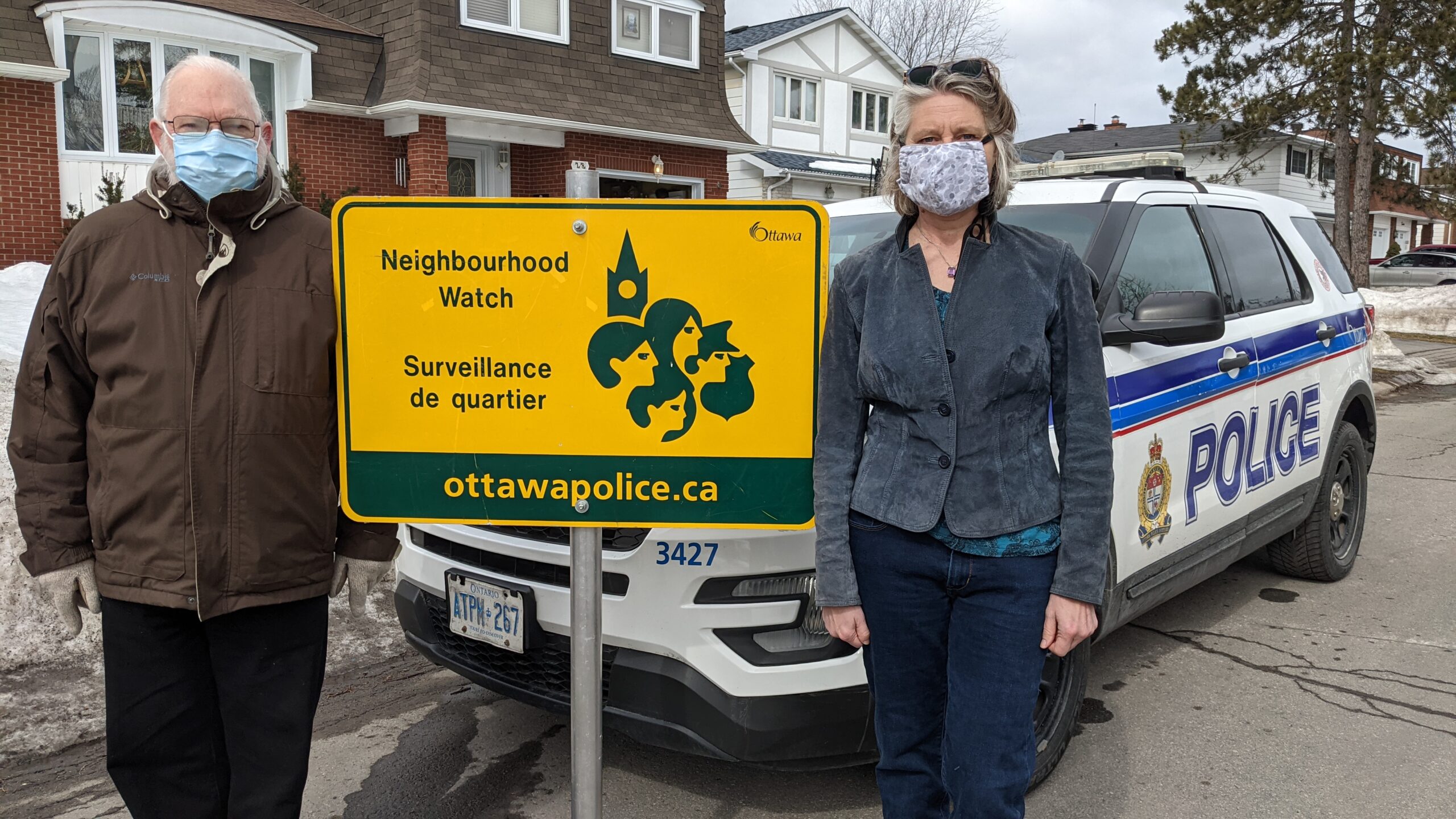
Neighbourhood Watch Update: 27 September to 27 October 2026
The Ottawa Police Crime Map for August 27 to July 27, is available at https://data.ottawapolice.ca/pages/maps. Once inside, you have to agree to terms conditions, and then access WARD 2 with the date range you wish to see, and you can zoom in or out. Click on icons on the map to receive further information on…
-
Neighbourhood Watch Update: 27 August to 27 September 2026
The Ottawa Police Crime Map for August 27 to July 27, is available at https://data.ottawapolice.ca/pages/maps. Once inside, you have to agree to terms conditions, and then access WARD 2 with the date range you wish to see, and you can zoom in or out. Click on icons on the map to receive further information on…
-

Community Shredding Day Recap
On Saturday, July 25, the BCA held our first ever Community Paper Shredding Day Event. This community initiative was intended to help residents understand how to protect their personal information and reduce the risk of identity theft. The event was also designed to make residents aware of the various Frauds & Scams happening everyday in…
-

Flood awareness and prevention
Emergencies can happen at any time and without warning. Earlier this year at a City Council Meeting it was announced that according to climate projections and risk assessments the City can expect more frequent and intense extreme weather events, including heat waves, ice storms, and as we have seen this summer, flooding. Floods are the…
-
Neighbourhood Watch Update: 28 July to 27 August 2026
The Ottawa Police Crime Map for July 28 to August 27, is available at https://data.ottawapolice.ca/pages/maps. Once inside, you have to agree to terms conditions, and then access WARD 2 with the date range you wish to see, and you can zoom in or out. Click on icons on the map to receive further information on…
-
Neighbourhood Watch Update: 26 June to 28 July 2026
The Ottawa Police Crime Map for 26 June to 28 July 2026, is available at https://data.ottawapolice.ca/pages/maps. Once inside, you have to agree to terms conditions, and then access WARD 2 with the date range you wish to see, and you can zoom in or out. Click on icons on the map to receive further information…